ImageMagick

[ ](https://issues.oss-fuzz.com/issues?q=“project ImageMagick”)

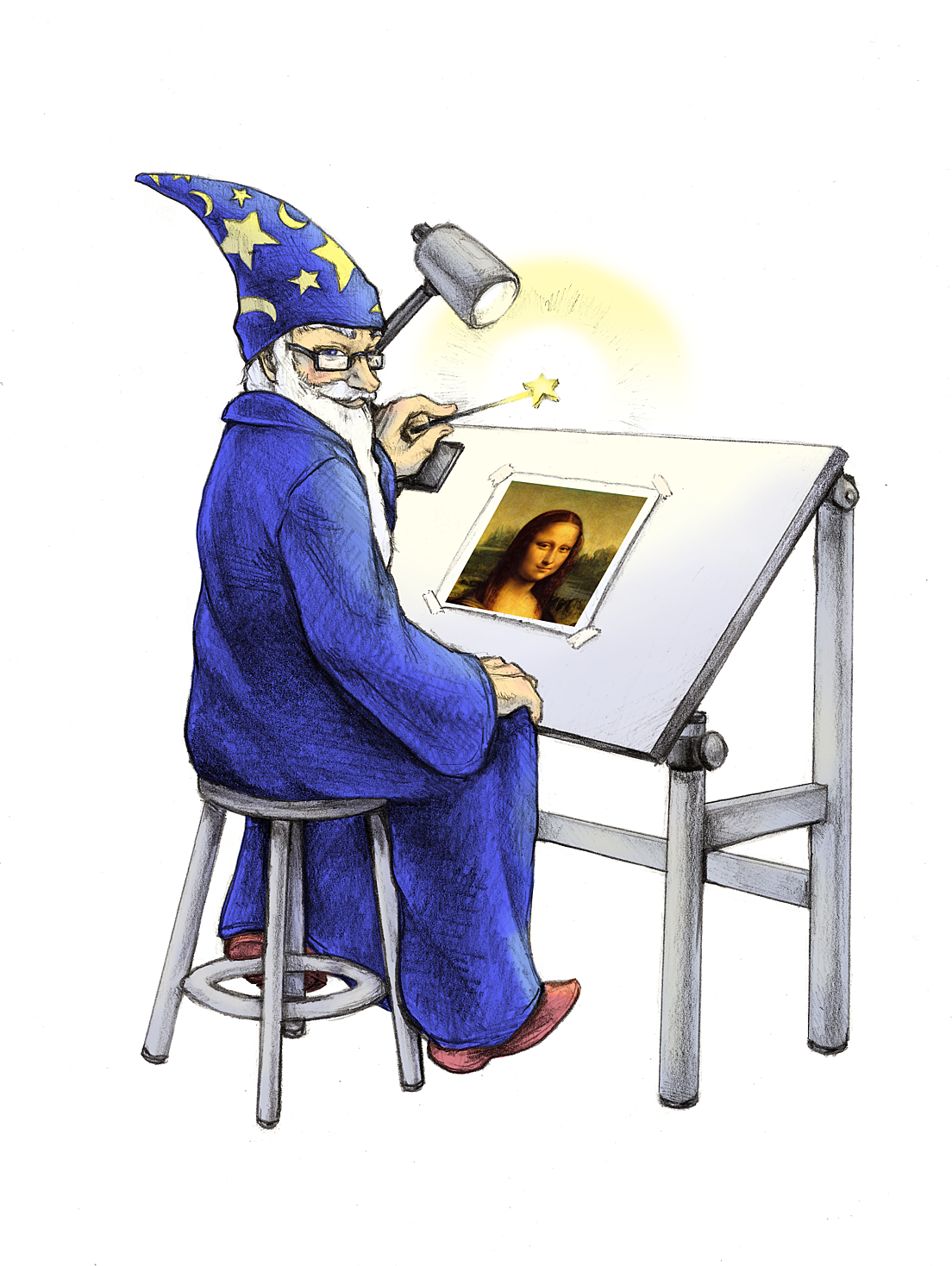
ImageMagick® is a free and open-source software suite, used for editing and manipulating digital images. It can be used to create, edit, compose, or convert bitmap images, and supports a wide range of file formats, including JPEG, PNG, GIF, TIFF, and PDF.
What is ImageMagick?
ImageMagick is widely used in industries such as web development, graphic design, and video editing, as well as in scientific research, medical imaging, and astronomy. Its versatile and customizable nature, along with its robust image processing capabilities, make it a popular choice for a wide range of image-related tasks.
ImageMagick includes a command-line interface for executing complex image processing tasks, as well as APIs for integrating its features into software applications. It is written in C and can be used on a variety of operating systems, including Linux, Windows, and macOS.
The main website for ImageMagick can be found at https://imagemagick.org. The source code for this software can be accessed through a repository. In addition, we maintain a legacy version of ImageMagick version 6.
Creating a security policy that fits your specific local environment before making use of ImageMagick is highly advised. You can find guidance on setting up this policy. Also, it’s important to verify your policy using the validation tool.
Features and Capabilities
One of the key features of ImageMagick is its support for scripting and automation. This allows users to create complex image manipulation pipelines that can be run automatically, without the need for manual intervention. This can be especially useful for tasks that require the processing of large numbers of images, or for tasks that need to be performed on a regular basis.
In addition to its core image manipulation capabilities, ImageMagick also includes a number of other features, such as support for animation, color management, and image rendering. These features make it a versatile tool for a wide range of image-related tasks, including graphic design, scientific visualization, and digital art.
Overall, ImageMagick is a powerful and versatile software suite for displaying, converting, and editing image files. Its support for scripting and automation, along with its other features, make it a valuable tool for a wide range of image-related tasks.
Here are just a few examples of what ImageMagick can do:
- Animation: non-linear, edge-preserving, and noise-reducing smoothing filter.
- Bilateral Blur: non-linear, edge-preserving, and noise-reducing smoothing filter.
- Color management: accurate color management with color profiles or in lieu of-- built-in gamma compression or expansion as demanded by the colorspace.
- Color thresholding force all pixels in the color range to white otherwise black.
- Command-line processing utilize ImageMagick from the command-line.
- Complex text layout bidirectional text support and shaping.
- Composite: overlap one image over another.
- Connected component labeling: uniquely label connected regions in an image.
- Convex hull smallest area convex polygon containing the image foreground objects. In addition, the minimum bounding box and unrotate angle are also generated.
- Decorate: add a border or frame to an image.
- Delineate image features: Canny edge detection, mean-shift, Hough lines.
- Discrete Fourier transform: implements the forward and inverse DFT.
- Distributed pixel cache: offload intermediate pixel storage to one or more remote servers.
- Draw: add shapes or text to an image.
- Encipher or decipher an image: convert ordinary images into unintelligible gibberish and back again.
- Format conversion: convert an image from one format to another (e.g. PNG to JPEG).
- Generalized pixel distortion: correct for, or induce image distortions including perspective.
- Heterogeneous distributed processing: certain algorithms are OpenCL-enabled to take advantage of speed-ups offered by executing in concert across heterogeneous platforms consisting of CPUs, GPUs, and other processors.
- High dynamic-range images: accurately represent the wide range of intensity levels found in real scenes ranging from the brightest direct sunlight to the deepest darkest shadows.
- Histogram equalization use adaptive histogram equalization to improve contrast in images.
- Image cache: secure methods and tools to cache images, image sequences, video, audio or metadata in a local folder.
- Image calculator: apply a mathematical expression to an image or image channels.
- Image gradients: create a gradual blend of one color whose shape is horizontal, vertical, circular, or elliptical.
- Image identification: describe the format and attributes of an image.
- ImageMagick on the iPhone: convert, edit, or compose images on your iPhone.
- Large image support: read, process, or write mega-, giga-, or tera-pixel image sizes.
- Montage: juxtapose image thumbnails on an image canvas.
- Morphology of shapes: extract features, describe shapes and recognize patterns in images.
- Motion picture support: read and write the common image formats used in digital film work.
- Multispectral imagery: support multispectral imagery up to 64 bands.
- Noise and color reduction Kuwahara Filter, mean-shift.
- Perceptual hash: maps visually identical images to the same or similar hash-- useful in image retrieval, authentication, indexing, or copy detection as well as digital watermarking.
- Special effects: blur, sharpen, threshold, or tint an image.
- Text & comments: insert descriptive or artistic text in an image.
- Threads of execution support: ImageMagick is thread safe and most internal algorithms are OpenMP-enabled to take advantage of speed-ups offered by multicore processor chips.
- Transform: resize, rotate, deskew, crop, flip or trim an image.
- Transparency: render portions of an image invisible.
- Virtual pixel support: convenient access to pixels outside the image region.
Examples of ImageMagick Usage, demonstrates how to use the software from the command line to achieve various effects. There are also several scripts available on the website called Fred’s ImageMagick Scripts, which can be used to apply geometric transforms, blur and sharpen images, remove noise, and perform other operations. Additionally, there is a tool called Magick.NET that allows users to access the functionality of ImageMagick without having to install the software on their own systems. Finally, the website also includes a Cookbook with tips and examples for using ImageMagick on Windows systems.
News
Creating a security policy that fits your specific local environment before making use of ImageMagick is highly advised. You can find guidance on setting up this policy. Also, it’s important to verify your policy using the validation tool. As of ImageMagick version 7.1.1-16, you can choose and customize one of these security policies: Open, Limited, Secure, and Websafe.
By default, ImageMagick supports up to 32 channels. As of ImageMagick version 7.1.1-16, you can enable up to 64 channels by adding the –enable-64bit-channel-masks option to the Linux configure build script. For Windows this will be enabled automatically.
Want more performance from ImageMagick? Try these options:
- add more memory to your system, see the pixel cache;
- add more cores to your system, see threads of execution support;
- reduce lock contention with the tcmalloc memory allocation library;
- push large images to a solid-state drive, see large image support.
If these options are prohibitive, you can reduce the quality of the image results. The default build is Q16 HDRI. If you disable HDRI, you use half the memory and instead of predominantly floating point operations, you use the typically more efficient integer operations. The tradeoff is reduced precision and you cannot process out of range pixel values (e.g. negative). If you build the Q8 non-HDRI version of ImageMagick, you again reduce the memory requirements in half-- and once again there is a tradeoff, even less precision and no out of range pixel values. For a Q8 non-HDRI build of ImageMagick, use these configure script options: –with-quantum-depth=8 --disable-hdri.
免责声明 © 2026 - 虚宝阁
本站部分源码来源于网络,版权归属原开发者,用户仅获得使用权。依据《计算机软件保护条例》第十六条,禁止:
- 逆向工程破解技术保护措施
- 未经许可的分发行为
- 去除源码中的原始版权标识
※ 本站源码仅用于学习和研究,禁止用于商业用途。如有侵权, 请及时联系我们进行处理。